



Description
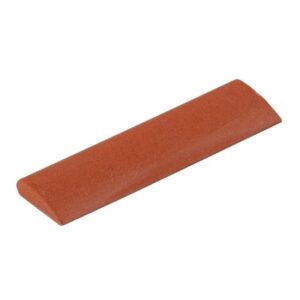
Product Description Description: Simple and effective: when the descaling cartridge symbol lights up red on the display of your SC 3 device, simply remove the current descaling cartridge and insert the new one. Then press the reset button – and you’re good to continue steam cleaning as before Features: Automatic indicator lamp for cartridge replacement The indicator lights up once the service life of the descaling cartridge has expired. Simple and quick cartridge replacement Simply replace the cartridge and press the reset button on the device UPC: 4054278026213 Enquiry Tell A Friend